Quickstart
This gets the stack running on one machine. Read Security before you expose it beyond localhost or point it at repositories that matter.
Before you start
- Docker Desktop, or Docker Engine with Compose v2. Give Docker at least 16 GB of memory; the stack is about 25 containers.
gitandopenssl.- An LLM: an Ollama host is the default (a 30B-class coding model such as
qwen2.5-coder:32bworks), or an API key for a hosted provider. - Windows: clone into a short path, or run
git config --global core.longpaths truefirst.
1. Clone and create .env
git clone https://github.com/Autonomous-Engine/autonomous-engine.gitcd autonomous-enginecp .env.example .envTo run a specific release, check out its tag, for example git checkout v0.1.0.
2. Set three secrets
Edit .env and set these three values. The dashboard refuses to start with the placeholder JWT secret, and without a valid master key the engine cannot store credentials:
DB_PASSWORD=<output of: openssl rand -hex 16>MASTER_ENCRYPTION_KEY=<output of: openssl rand -base64 32>JWT_SECRET=<output of: openssl rand -hex 32>DB_PASSWORD is placed inside DATABASE_URL, so avoid characters such as @, / and :. The hex output of openssl rand -hex 16 is safe.
Keep MASTER_ENCRYPTION_KEY somewhere safe. Every credential you store in the dashboard is encrypted with it; if you lose it, you have to enter them again.
3. Build
Building one image at a time keeps memory use down:
COMPOSE_PARALLEL_LIMIT=1 docker compose build4. Start
docker compose up -dOn first start status-orchestrator applies the database migrations and creates the admin account admin@localhost with a random password. Read it from the log:
docker compose logs status-orchestrator | grep -A4 "FIRST-RUN ADMIN"5. Sign in
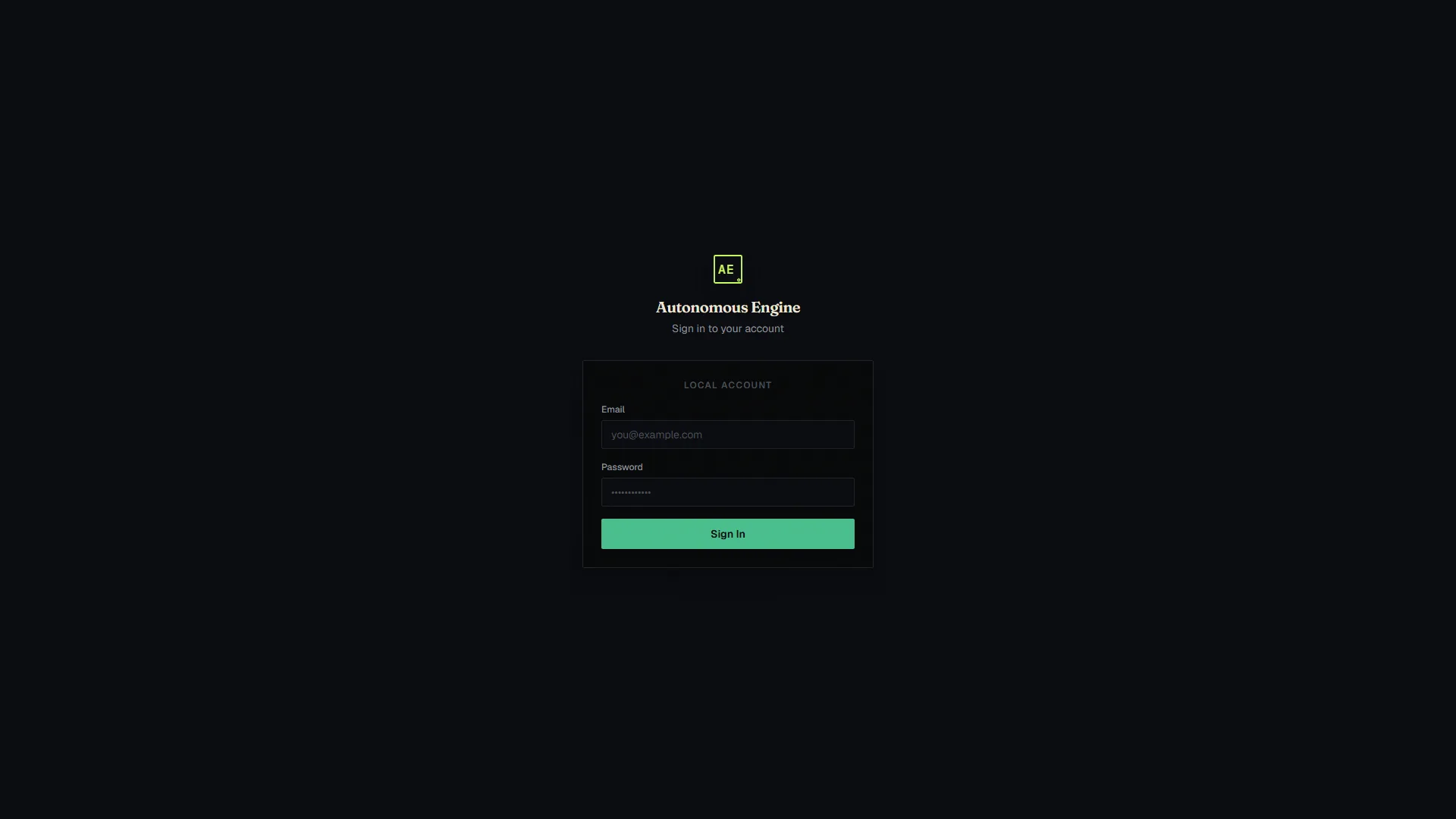
Open the dashboard at http://localhost:32900, sign in as admin@localhost with that password, and set a new password when prompted.
The port comes from DASHBOARD_UI_PORT in .env.
6. Add an LLM and an embedding provider
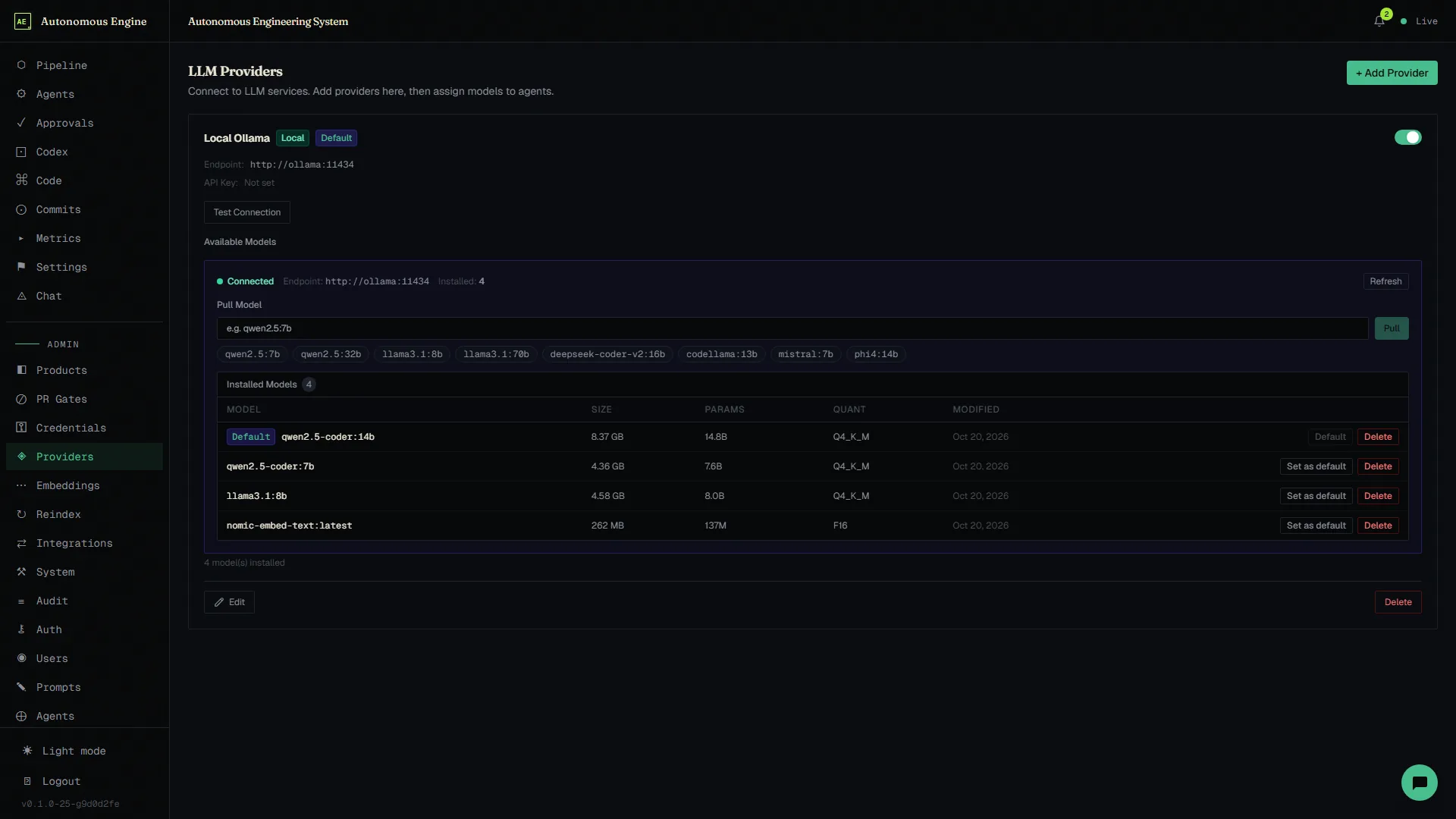
- Admin → Providers: add your LLM: your Ollama URL (the default suggestion is
http://host.docker.internal:11434), or an API key for OpenAI or Anthropic. - Admin → Embeddings: add an embedding provider.
Until an embedding provider exists, knowledge-indexer logs that none is configured and restarts. That is expected.
Next
- Your first product: onboard a repository and submit a request.
- Configuration: every
.envvariable and the dashboard settings. - Troubleshooting: if a service won’t settle.